


















Introduction
In the retail industry, it's essential to establish good relationships with suppliers. If a retailer fails to pay its vendors on time, they may stop supplying the retail store until the invoice is cleared. One reason companies struggle to make payments on time is the manual accounts payable process and approvals. Accounts payable automation removes a lot of this manual work by capturing invoice data and matching it to purchase orders (PO), so invoices reach approvers faster.
Key takeaways
When suppliers are paid on time, they are more likely to keep your shelves stocked.
Payments can stall when someone has to key in an invoice or manually match it to a purchase order and goods receipt.
AP automation reads each invoice and checks it against the purchase order and goods receipt (3-way-match).
Integration with Enterprise Resource Planning (ERP) and multi-location support are features that can greatly benefit retailers.
Why does vendor payment speed matter in retail?
In the retail industry, inventory availability relies on your suppliers, and suppliers pay close attention to how quickly their customers pay. Paying vendors faster helps you:
Keep inventory flowing. Suppliers who are paid on time are more likely to prioritize your orders. That keeps products on shelves and the customer experience consistent.
Strengthen vendor relationships. Reliable payers are easier to work with. When you need flexibility on delivery dates or order sizes, that goodwill counts.
Keep your retail supply chain steady. On-time payments keep shipments moving, with no overdue account to settle first.
Capture early-payment discounts. Many suppliers offer a discount for paying ahead of the due date. A faster process lets you take advantage of them.
Build a strong reputation with suppliers. Retailers that pay promptly often find it easier to bring new vendors on board.
Our guide to accounts payable automation benefits goes into more detail.
What causes vendor payment delays?
An invoice can stall at several points between arriving and getting paid.
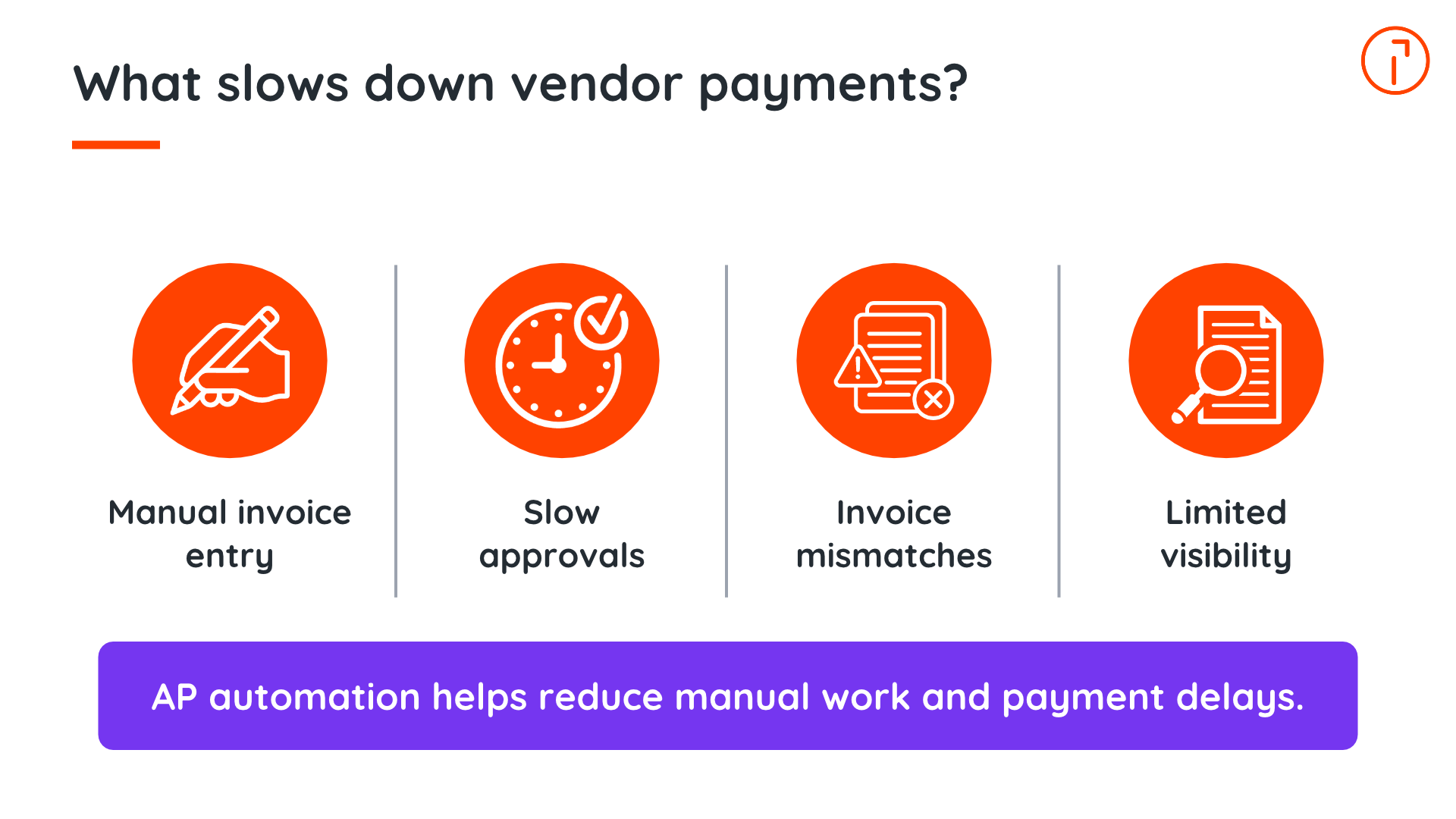
Manual invoice entry
Manually entering invoice details is tedious work. A mistyped amount or invoice number can send the invoice back for correction. Paper invoices can go missing on their way to the finance team, and data often has to be rekeyed when it moves between systems.
Slow approvals
Retail approvals often involve several people, both in your retail stores and at your corporate office. An invoice might need sign-off from a store manager, a regional lead, and someone in finance. If approvals are handled by email, invoices can sit unread or wait while an approver is away.
Invoice matching challenges
Before an invoice is paid, it usually needs to match the PO and the record of what was received (goods receipt). With deliveries spread across stores and warehouses in your distribution network, these don't always line up. Exceptions require someone to review, and payment waits until they're resolved.
Limited visibility
When invoices live in inboxes and spreadsheets, it's hard to answer simple questions like “Where is this invoice?” or “What do we owe this month?” Without real-time reporting, finance teams spend their time tracking down status updates instead of planning payments.
AP automation handles the data entry and follow-ups that cause most of these delays.
How does AP automation speed up vendor payments?
Accounts payable automation replaces manual steps with consistent, rule-based workflows. New to the topic? Start with our guide, What is accounts payable automation?
The table below compares manual and automated AP at each step.
Step | Manual process | With AP automation |
Invoice capture | Details typed in by hand from email, mail, and supplier portals | Invoices captured from every channel, with data extracted automatically |
Data validation | Errors often spotted late, during approval or even after payment | Missing fields, unexpected amounts, and duplicates flagged on arrival |
Approvals | Forwarded by email and easy to miss | Routed by rules, with reminders and mobile approvals |
Matching | Invoices checked against purchase orders and receipts by hand | Documents matched automatically, with discrepancies flagged for review |
Payment approval | Hard to see who signed off and when | Every step recorded in a digital audit trail |
Visibility | Status tracked across inboxes and spreadsheets | Real-time dashboards show every invoice and what's due |
Automated invoice capture
AP automation collects invoices wherever they arrive, from email inboxes to scanned paper copies and supplier uploads. AI and optical character recognition (OCR) pull out key details like amounts and due dates, often down to individual line items.
Faster data validation
Once the data is captured, the system checks it against your records right away, flagging missing fields or possible duplicates. These checks help approvers receive more complete, accurate invoices, with potential issues flagged for review.
Automatic approval routing
Instead of forwarding invoices by email, you set rules for who approves what. An invoice for a single store might go to that store's manager, while larger amounts go to finance. Approvers get a notification when something needs their attention, and automated reminders follow up if an invoice waits too long. If an approval is still outstanding, a clear escalation path makes sure someone resolves it. With mobile approvals, approvers like store managers and regional leads can sign off from their phone instead of waiting until they're back at a desk.
Automated three-way matching
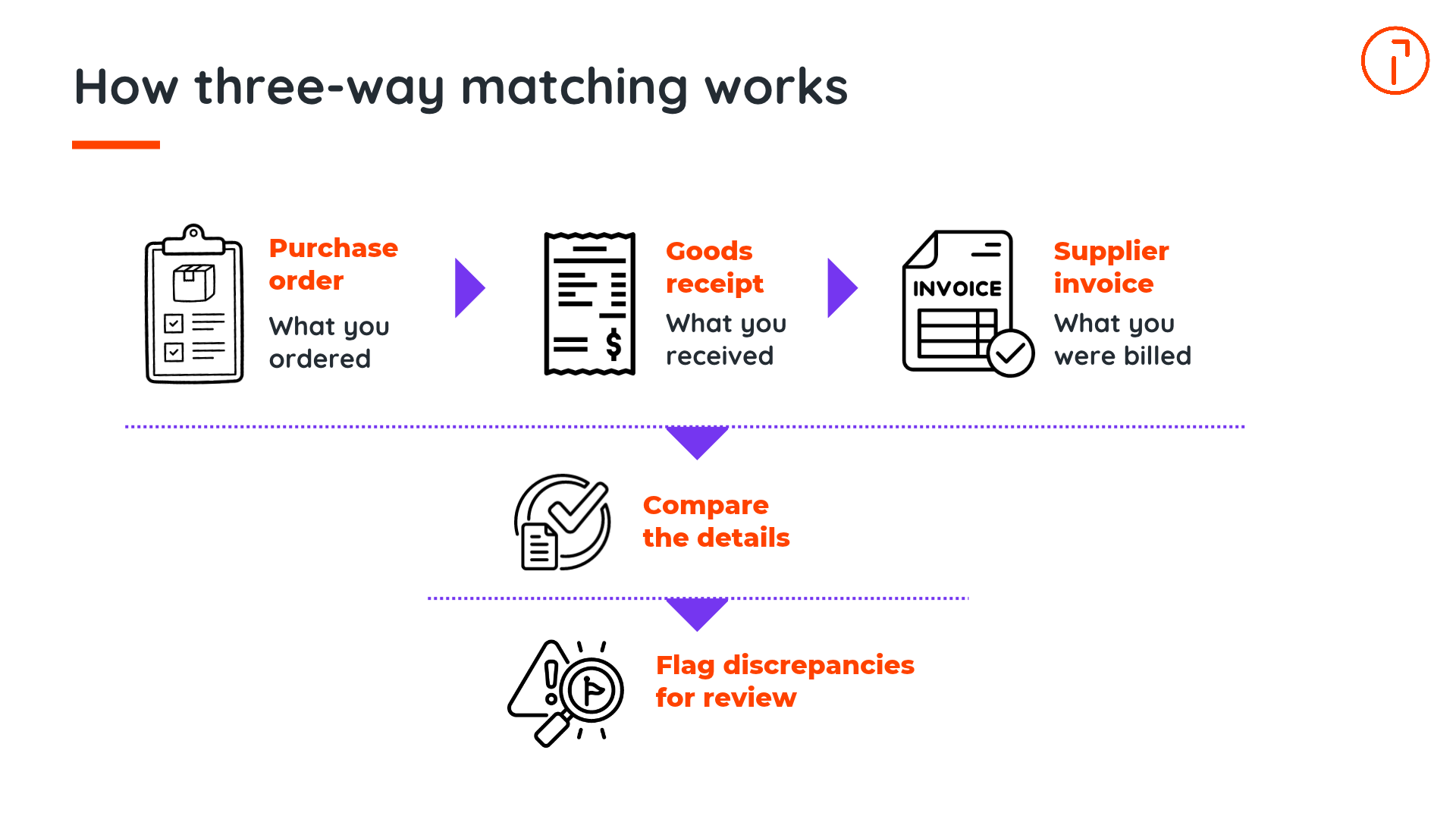
Three-way matching compares the supplier invoice, the purchase order, and the goods receipt to confirm you're paying for what you ordered and received.
Matching these documents by hand takes time. Automation compares them and flags discrepancies for your team to review, so fewer invoices sit waiting for approval.
Faster payment approvals
A digital payment approval workflow shows where each payment stands, who approved it, and when. Approvals are faster, and every step is recorded in a digital audit trail, so you're ready when auditors ask. For tips on setting up these workflows, see our AP automation best practices.
What are the benefits of AP automation for retailers?
Better vendor relationships
When payments arrive on a consistent schedule, suppliers know what to expect. That confidence puts you in a stronger position when you discuss terms.
Clearer cash flow visibility
Real-time visibility into what you owe supports forecasting and retail cash flow management. Faster processing and payment scheduling give you more control over when approved invoices are paid, whether that means meeting agreed terms or taking an early-payment discount.
Lower processing costs
Less manual entry and fewer exceptions mean less time spent on each invoice, so your AP team can focus on higher-value work.
Fewer duplicate payments
Automation identifies duplicate invoices before they are paid, so you don't have to chase a supplier for a refund.
Easier expansion to new stores
Opening a new store means a new stream of invoices. With automation, your existing AP team can handle the additional load without hiring for every location.
Key features to look for in retail AP automation software
The right AP software for retail should fit the way multi-store businesses work. When you compare options, look for:
AI-powered invoice capture
Automated data extraction
Three-way matching
Approval workflow automation
Payment scheduling
Audit trail reporting
Multi-location management
Vendor management capabilities
How Quadient helps retailers speed up vendor payments
Quadient AP Automation is a configurable solution that's built to simplify the purchase-to-pay process. It brings invoices, purchase orders, payments, and expenses into one place, so retail finance teams can pay suppliers on time with less manual work and more control.
With Quadient, retail finance teams can:
Capture invoice data, including line items, with up to 99 percent accuracy
Route invoices through approval workflows that fit your retail operations
Automate PO-to-invoice matching to reduce manual work
Track payment approvals and authorizations through a digital workflow
Connect AP workflows with supported ERP systems
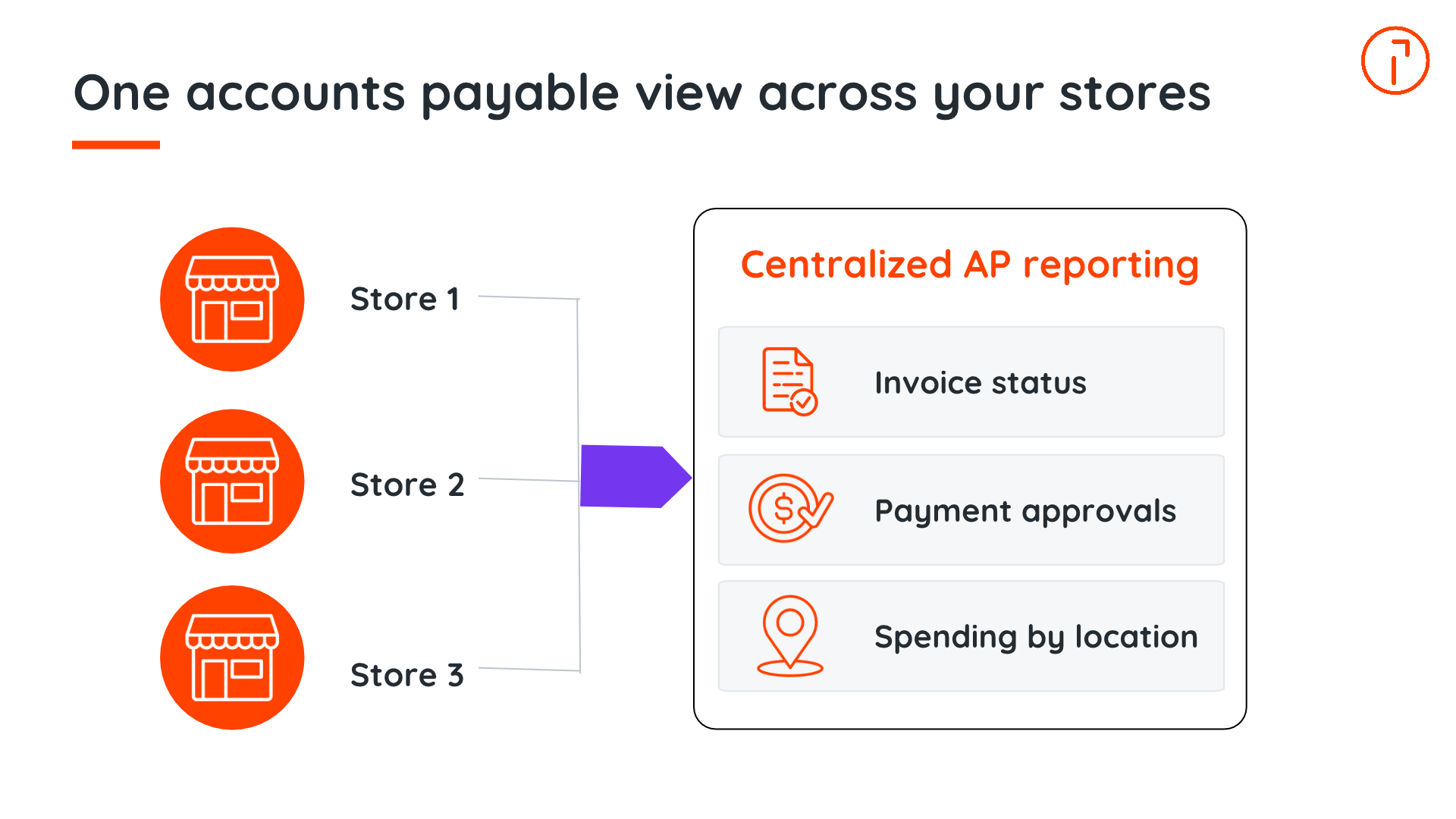
Track spending across entities and locations with centralized reporting and audit trails
Conclusion
Suppliers notice which retailers pay on time, and they treat their orders accordingly. Automating accounts payable takes the manual work out of getting invoices approved and paid, so suppliers get their money on schedule. They also give your finance team a clear view of what you owe, so you don't need to hire more people as you open new stores.
Discover how Quadient AP Automation can help your retail organization accelerate vendor payments and simplify accounts payable processes. Request a demo.
You can also calculate your AP automation ROI to see how much time and money your team could save.
See how Quadient helps retailers accelerate vendor payments through AP automation